Engine is excited to offer Member loyalty rates, a new way for you to save even more on lodging! If you're a member of a hotel chain's loyalty program, you can now access those exclusive discounts on your bookings in Engine. We're committed to helping you find the best deals on your travel, and Member Loyalty Rates are just another way we're doing that!
How it Works
These member loyalty rates are available to customers who are members of participating hotel loyalty programs. To unlock these savings, simply enter your loyalty number during the booking process. If your number is already saved in your profile, you're already set!
Key Benefits
-
Exclusive Discounts: Member loyalty rates offer significant discounts
-
More Savings: Our platform will always show you the best available rate. If Engine's standard rates are lower than the Loyalty Member Rates for a specific booking, we'll display those to ensure you always get the most competitive price.
-
Easy Access: We're kicking off with Hyatt, Hilton and IHG, with more hotel chains coming soon!
Important Notes
- Valid Loyalty Number Required: To book a hotel room with a member loyalty rate, you must input the correct loyalty number associated with that hotel's program when booking. Engine cannot validate the account number linked to other hotel's rewards programs.
- Membership Validation: Rates are subject to change by the hotel if membership is not validated.
- Identify Deals Easily: Look for a purple tag to easily identify loyalty member deals as you browse hotel options.
Hotel Listing 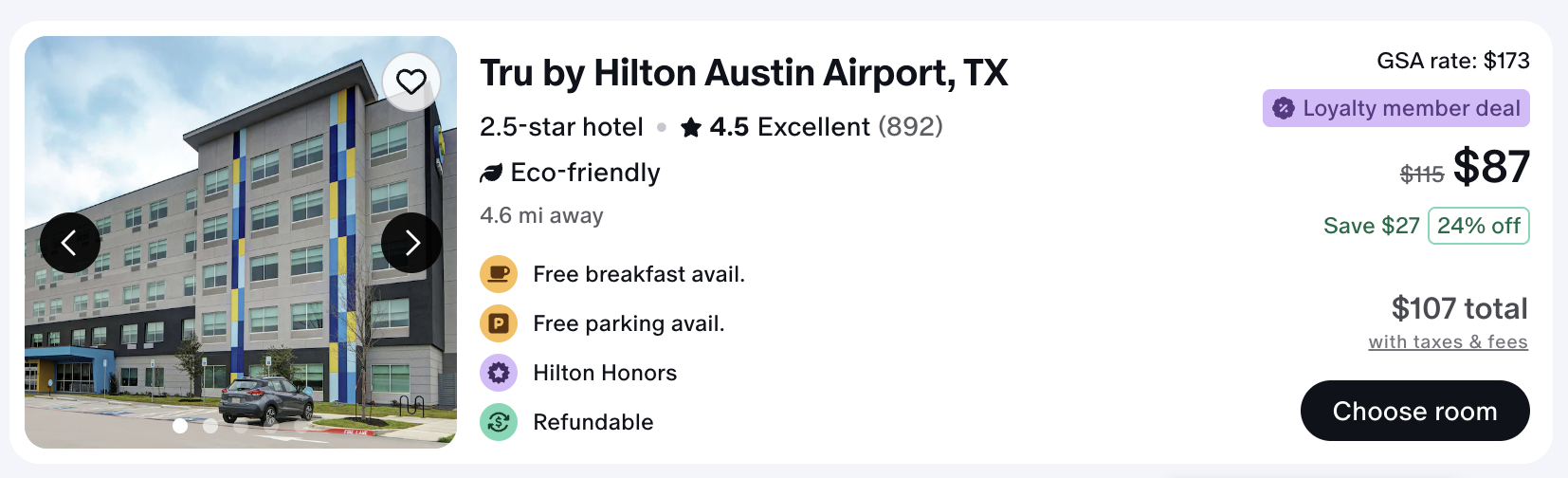
Room Details 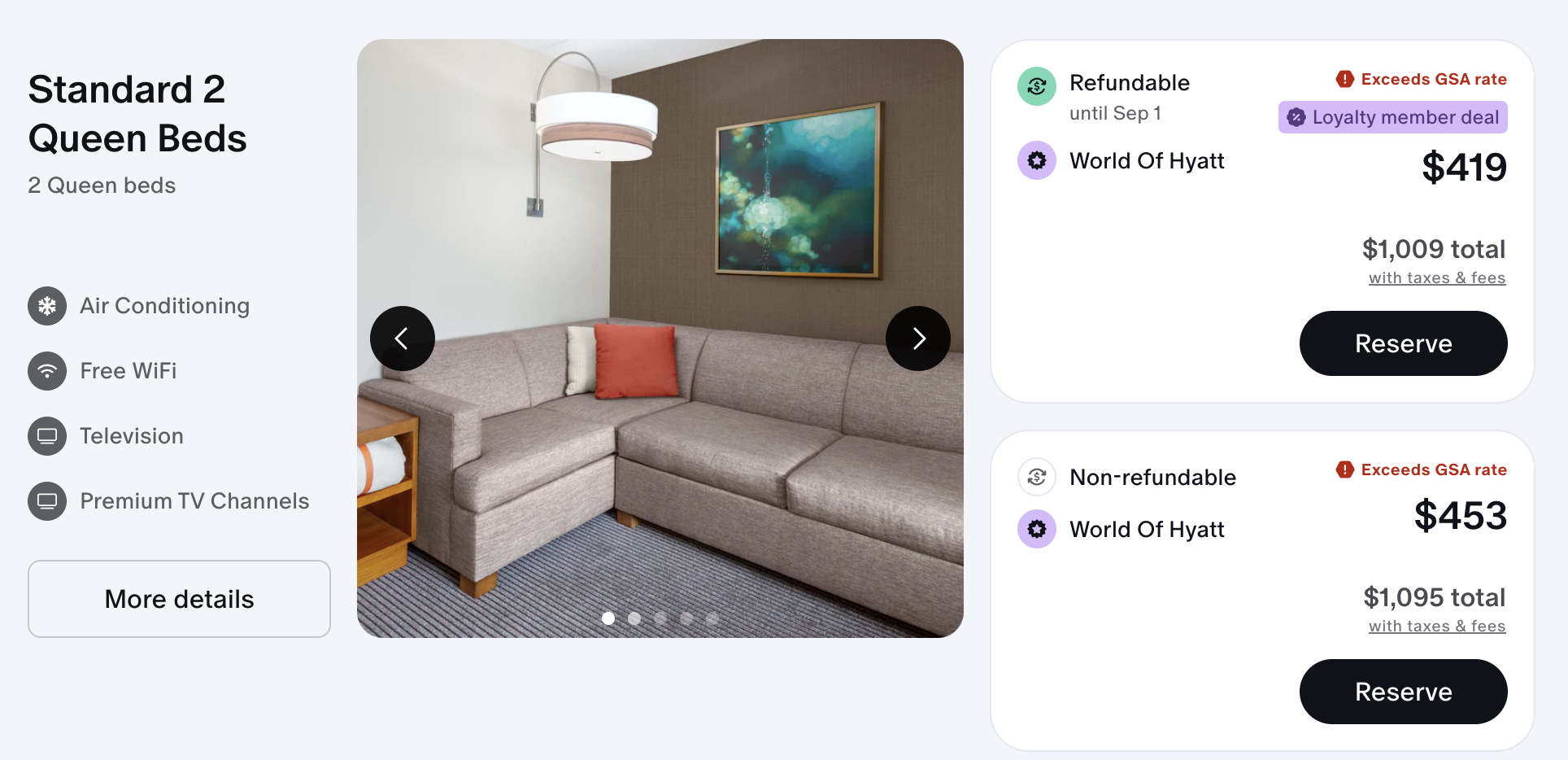
How to add loyalty reward numbers
Please ensure your loyalty number is accurately entered into your Engine account, as we cannot verify its accuracy. Currently, special rates are only available for Hyatt, Hilton and IHG programs. We are actively working to include more programs in the near future.
-
Login to Engine.com
-
Click on your initials in the top right corner.
-
Click on My Settings > Profile Settings > Edit
-
At the bottom of the page, click on Add loyalty program, Frequent flyer programs or Car rental loyalty programs to add in your information.
-
If you need to delete a program number, click on Delete.
-
-
Click on Save changes.
-
Next time you book, your hotel loyalty number will display automatically when you select a hotel that is supported by a saved program.
Troubleshooting
-
If you're unable to book a Member Loyalty Rate, please ensure you have entered a valid loyalty number for the specific hotel chain.